


Download Disclaimer
The materials provided at this Web site are for use solely by the news media
in articles or other news reports. You do not obtain any ownership right,
title, or other interest in Insofta Development trademarks or copyrights
by downloading, copying, or otherwise using these materials.
Press Releases
April 13, 2009. Insofta Document Backup: Now Handling Opened/Locked Files!
Insofta Development announces the release of Insofta Document Backup 5.2, a new version of a remarkably useful data backup program, which now features automatic backup of files opened in other applications or locked by the operating system... Html
January 19, 2008. Insofta Document Backup: Never Let Your Data Say Goodbye To You
Insofta Development is delighted to introduce version 4.1 of its award-winning Document Backup, which offers unprecedented data protection and disaster recovery. No data will be lost forever if you have Document Backup installed on your computer... Html
Insofta Development announces the release of Insofta Document Backup 5.2, a new version of a remarkably useful data backup program, which now features automatic backup of files opened in other applications or locked by the operating system... Html
January 19, 2008. Insofta Document Backup: Never Let Your Data Say Goodbye To You
Insofta Development is delighted to introduce version 4.1 of its award-winning Document Backup, which offers unprecedented data protection and disaster recovery. No data will be lost forever if you have Document Backup installed on your computer... Html
Media Resources
|
All images in one zip file 300 dpi tiff (5 383 Kb) 72 dpi png (358 Kb) | |
|
Insofta Development logotype 300 dpi tiff (935 Kb) 72 dpi png (18 Kb) |

|
|
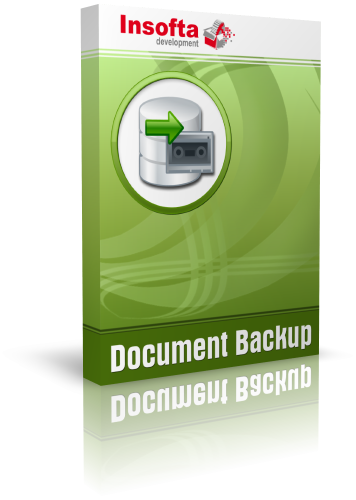
Document Backup boxshot 300 dpi tiff (935 Kb) 72 dpi png (114 Kb) |
|
|
Document Backup logo 300 dpi tiff (385 Kb) 72 dpi png (32 Kb) |

|
|
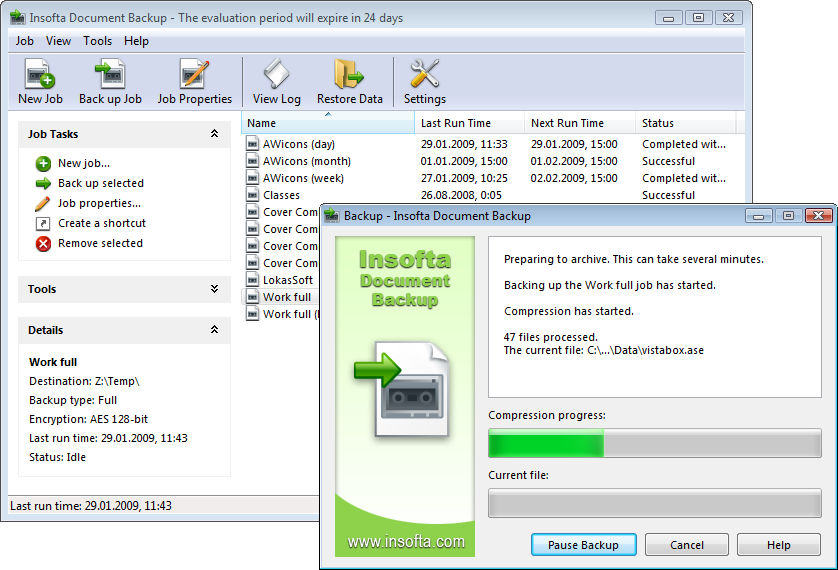
Promo screenshot 300 dpi tiff (960 Kb) 72 dpi png (79 Kb) |
|
|
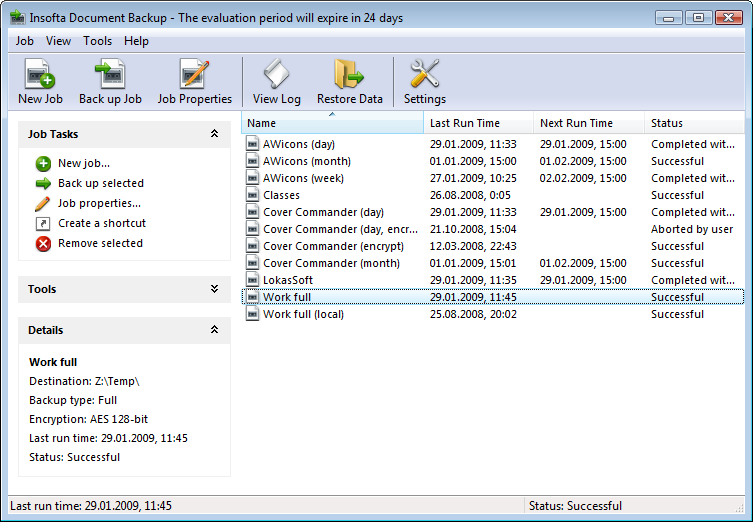
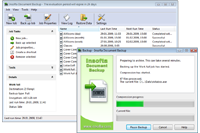
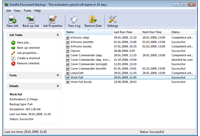
Main window screenshot 300 dpi tiff (1 028 Kb) 72 dpi png (50 Kb) |
|
|
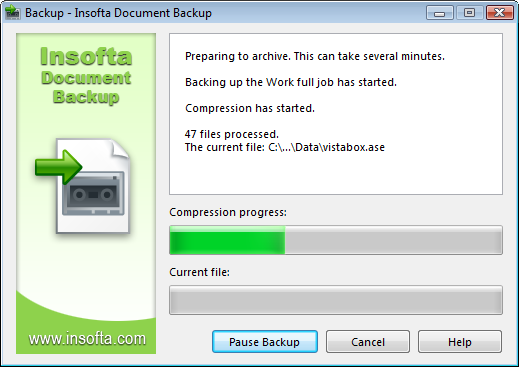
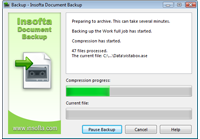
Backup process screenshot 300 dpi tiff (796 Kb) 72 dpi png (35 Kb) |
|
|
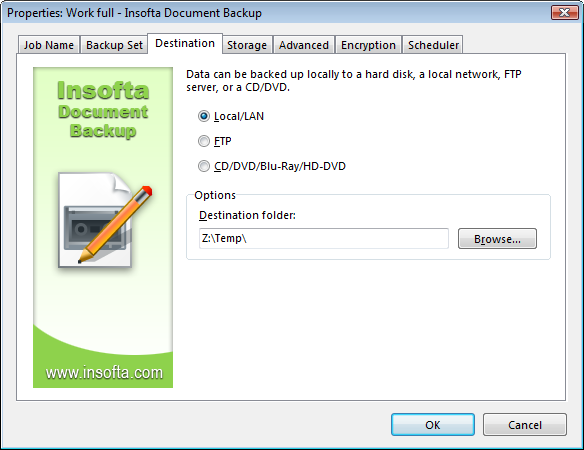
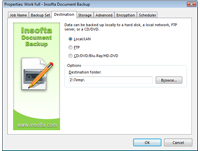
Destination settings screenshot 300 dpi tiff (735 Kb) 72 dpi png (37 Kb) |
|